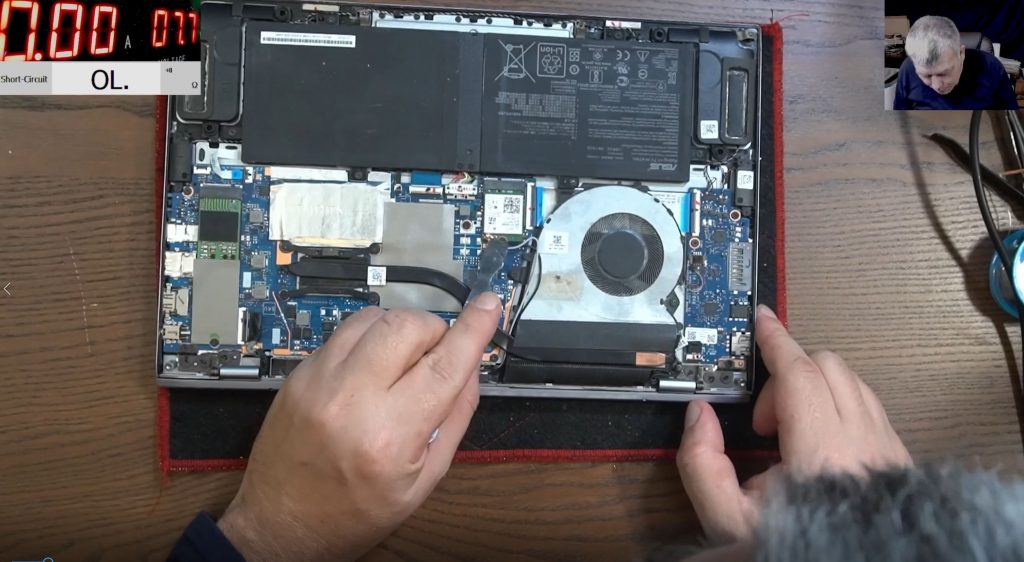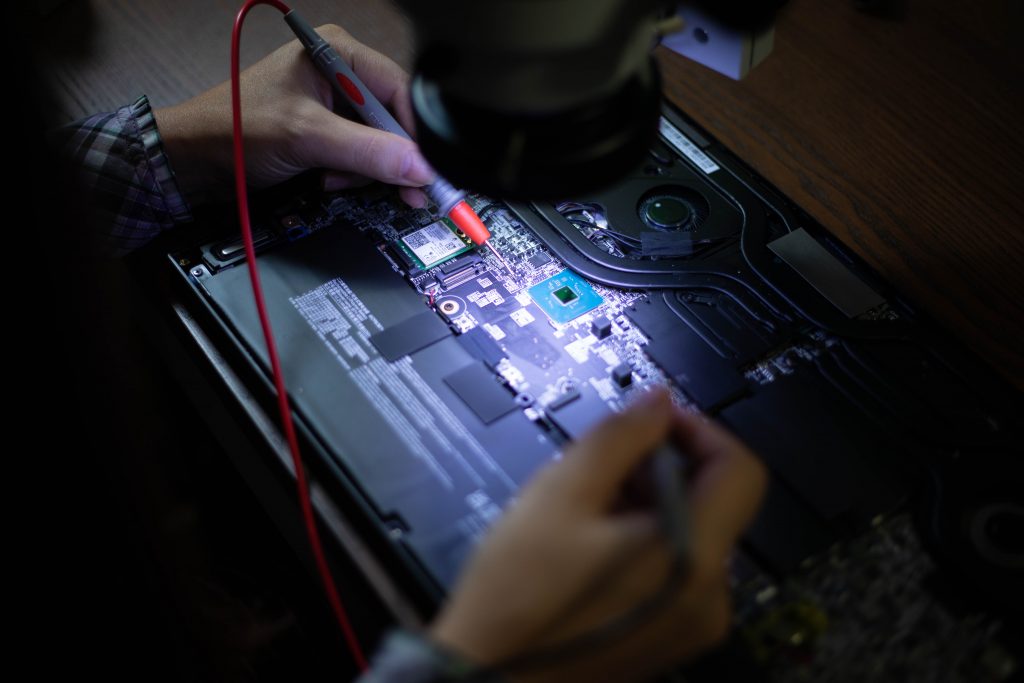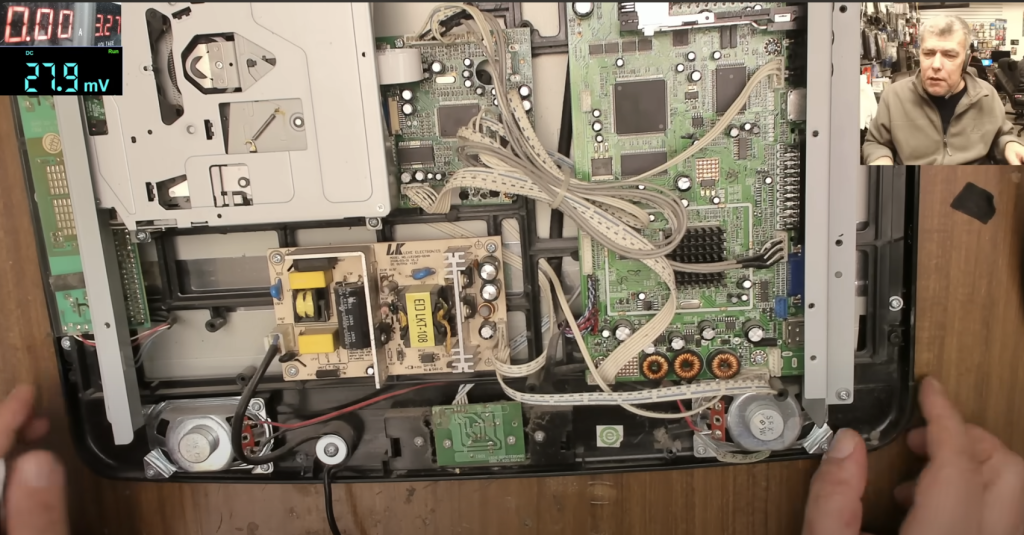
In this guide, we’ll troubleshoot and repair a common issue that causes TVs to stop working. If your TV won’t power on, don’t panic—this could be an easy fix!
📺 The Issue: TV Won’t Turn On
Symptoms:
- TV is plugged in but won’t power on.
- Pressing the power button does nothing.
- No standby light, no sound—completely dead.
Possible Cause:
A dead TV often indicates a power supply issue, specifically faulty capacitors.
🔍 Step 1: Safety First
Before we begin, always unplug the TV to avoid electrical shock.
🛠️ Step 2: Opening the TV
- Remove the screws from the back panel.
- Carefully open the casing to expose the power supply board.
🔎 Step 3: Identifying the Fault
Look for bulging capacitors—these components should have flat tops. If you notice any bumps, those capacitors are likely defective.
✔ Check the fuse: If the fuse is still good, the capacitors are the main issue.
⚡ Step 4: Testing the Voltage
- Use a multimeter to check the voltage.
- If voltage is dropping over time, the capacitors need replacement.
🔧 Step 5: Replacing the Faulty Capacitors
What You Need:
- Soldering iron
- Replacement capacitors (matching or higher voltage rating)
- Desoldering pump
Procedure:
- Carefully desolder the faulty capacitors.
- Replace them with new capacitors of equal or slightly higher voltage.
- Ensure correct polarity (match the + and – signs).
- Solder them securely into place.
🔄 Step 6: Reassembly and Testing
- Reattach the back panel.
- Plug the TV back in.
- Press the power button—your TV should now turn on!
✅ Success! If the TV powers on and displays a signal, the issue was resolved.
📢 Final Thoughts
Why do capacitors fail?
- Over time, they degrade and start leaking gas.
- They no longer stabilize the power supply, causing the TV to fail.
How to prevent future failures?
- Use high-quality replacement capacitors.
- Ensure proper ventilation to reduce overheating.
🎥 Watch the Full Repair Process
For a detailed video breakdown, check out the full tutorial on YouTube: Watch Here
🙌 Thanks for reading! If this guide helped, be sure to:
👍 Like the video
🔔 Subscribe for more repair tutorials
📡 Stay informed on fixing electronics the right way!
See you in the next one! 👋