In this post, we explore whether the iPhone’s reported battery health is accurate by physically testing an iPhone 11 Pro battery that’s been used for over 3 years—and the results may surprise you.
📱 The Setup: iPhone 11 Pro After 3 Years
-
Device: iPhone 11 Pro
-
Usage: Daily for 3+ years
-
Battery: Never replaced, never opened
-
iOS Version: 16.0.2
-
Battery Health (as shown by iOS):
100%
🤔 “No way. After three years, how can the battery still be 100%?”
Found this suspicious. Even after software updates, the phone insisted the battery health was perfect.
🧪 The Test: Real Battery Capacity Measurement
To get real numbers, Sorin:
-
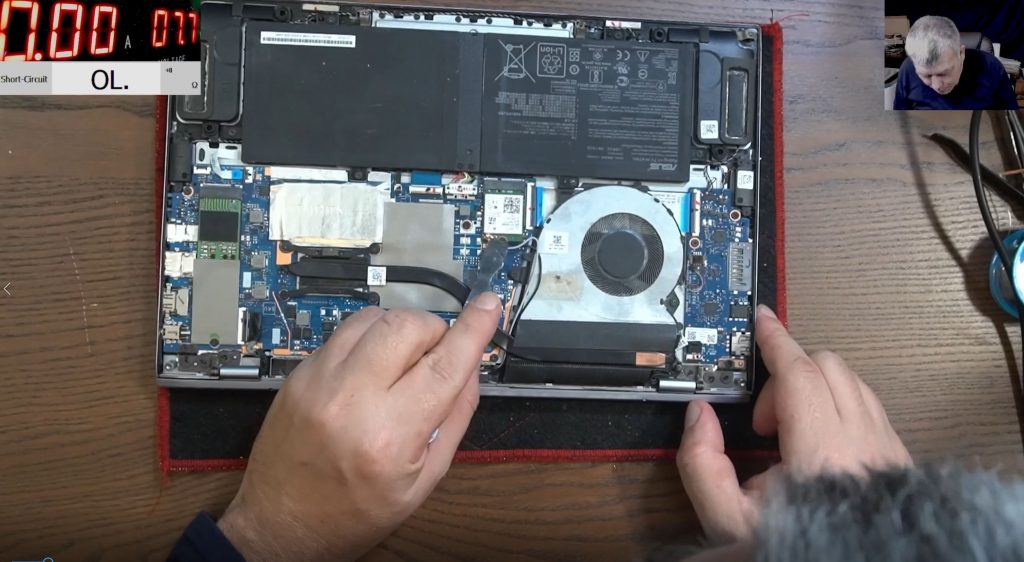
Disassembled the iPhone – The phone was carefully opened for the first time.
-
Removed the genuine battery – Original Apple battery.
-
Used a Battery Capacity Tester – A modified tool that:
-
Discharges the battery fully
-
Measures true capacity in mAh
-
Shows detailed voltage, current, and capacity
-
🧾 Test Procedure:
-
Battery voltage before test:
4.2V(fully charged) -
Testing mode:
Capacity Test -
Test duration: ~1–2 hours
📊 The Results
| Parameter | Expected (New Battery) | Measured |
|---|---|---|
| Design Capacity | ~3,000 mAh | |
| Tested Capacity | 2,300 mAh | |
| Actual Health % | 100% (reported by iPhone) | ~75% (real) |
📉 iOS showed 100% health, but the tester measured only 2,300 mAh—meaning the actual health is closer to 75%.
🤯 What Does This Mean?
iPhone’s built-in battery health reporting can misrepresent real battery capacity.
Apple’s system may lock the percentage once a battery is replaced, or may not update it properly even with aging.
Physically testing with a proper battery tester is the only way to get accurate mAh values.
✅ Takeaways
Don’t blindly trust iPhone’s battery health reading.
If your device feels like it’s not lasting long despite showing “100%,” it might be lying.
Testing with a capacity tester gives true insight into battery condition.
A battery that dropped from 3000 to 2300 mAh should read ~75%, not 100%.
📺 Watch the Full Test
🙌 Thanks for Reading!
If you found this useful:
👍 Like the video
🔔 Subscribe for more real-world tech tests
📡 Stay informed on the truth behind your device’s data!
See you in the next one! 👋