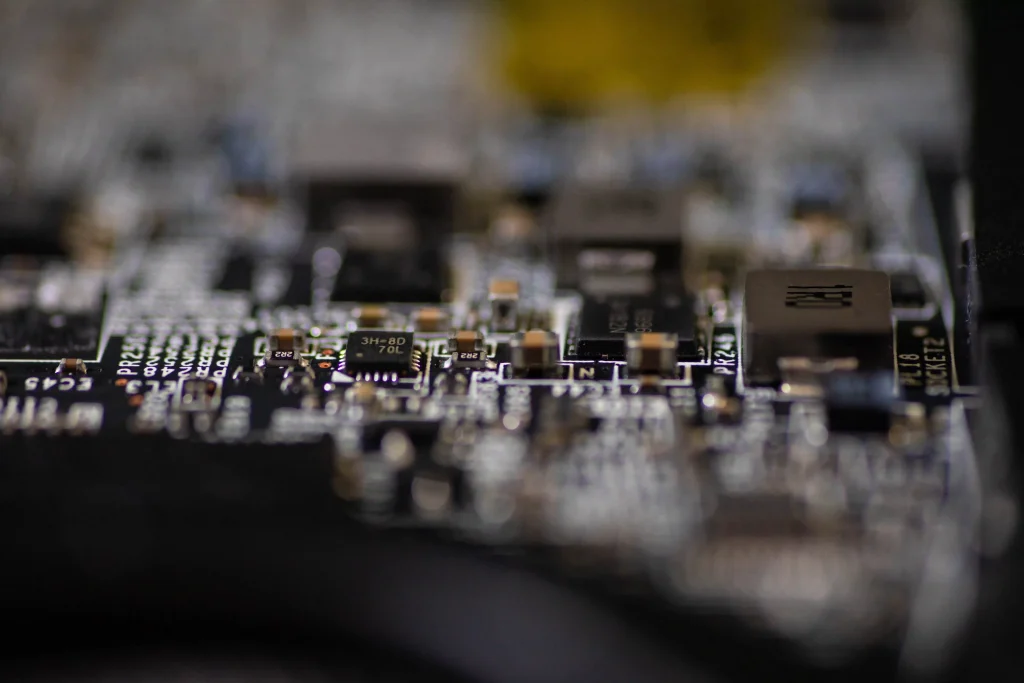
There is a specific silence that follows a failed BIOS recovery. You have held down the recovery keys, built the USB stick with the right file in the right folder, tried another port — and the laptop sits exactly as dead as before. When BIOS recovery is not working at all, no lights, no beeps, no recovery screen, the internet’s advice simply runs out, because all of it rests on one assumption that is no longer true.
Every recovery method assumes the BIOS chip can still run enough code to rescue itself. When the chip’s contents are corrupted past that point, no key combination will ever reach it — the fix moves from your keyboard to a soldering bench. Here is what that looks like on a real machine: a Dell Precision 7550, completely dead, brought back by removing and reprogramming the BIOS chip itself.
BIOS recovery not working? Exhaust the software route first
Before anything gets soldered, make sure the free route is genuinely dead. The step-by-step guide to reprogramming a laptop BIOS with recovery keys and a USB stick covers the built-in rescue that HP, Dell and most other makers hide behind key combinations, and it saves plenty of machines where enough of the BIOS still runs.
This post is about the other machines — the ones where recovery keys, USB sticks and reflash tricks change nothing, because the fault is the chip or what is stored on it — exactly what landed on the bench in the video below.
A serious workstation, showing nothing
The Dell Precision 7550 is not a throwaway laptop. This one carried an Intel Xeon processor with error-correcting memory and RTX 5000 graphics on its own separate board — a workstation that, even at three or four years old, sells for more than a Dell XPS. As Sorin puts it in the video, you could buy a car with the money from a laptop like this.
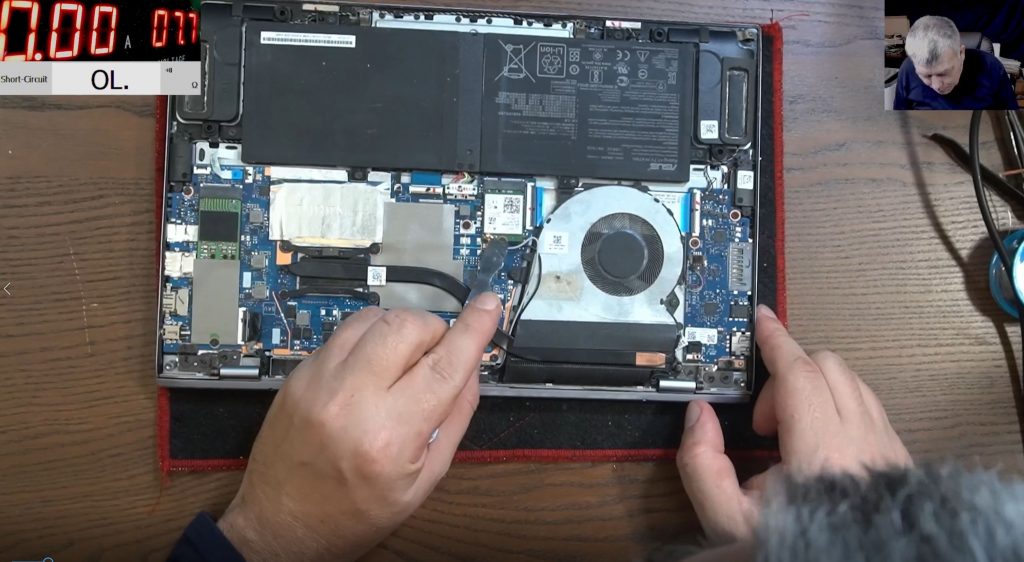
The customer’s story was short: he left the laptop for a while, came back, and it never switched on again. The machine had been opened before — the moved screws gave that away — and there was a mention of trouble with the RAM sockets. On the bench, pressing the power button produced exactly one sign of life: an LED that lit for about a second and went out.
That one-second flash matters. The embedded controller — the small chip that watches the power button — was clearly reading the press, so the EC was not the fault. Something further down the chain was refusing to start.
The measurements that separate a corrupt BIOS from a dead board
With the motherboard out and the graphics board removed, the readings told an odd story for a “dead” laptop. The 19 V main power rail was present. A memory chip measured 3.1 V on its supply. The BIOS chip itself had its 3.3 V. Every voltage that should exist, existed.
Then the thermal camera: the whole board sat cold except one component — the chipset, warm at around 40 °C. A board with a power fault is missing rails and stone cold; this one was powered, running something, and stuck. That combination — every rail present, the chipset warm, nothing on screen — is the signature of corrupted BIOS contents: “I will stop searching for a hardware issue here. I will try to reload the BIOS.”
Corrupt BIOS repair: chip off, read, rebuild, resolder
On this board the BIOS lives in an SMD chip soldered straight to the motherboard, so there was no socket to pull it from. Flux around the legs, hot air at roughly 430 °C and 40% airflow, and the chip came off — with one complication: the pin-one marking was so faint it took care to note which way round the chip sat.
The programmer refused to detect the chip at first; reseated in the right position, it read. Its original contents were dumped and sent off, and a working image — rebuilt for this specific board by a BIOS specialist from the channel’s community — came back. Programmed, verified: success.
Soldering the chip back carried its own risk, because the chipset sits directly beside the BIOS chip and had already proved it runs hot. A thermal pad went over both to pull heat away while the joints were made.
Then the test, no screen and no heatsink fitted: if the CPU gets hot when the power button is pressed, the board is running. Charger in: CPU cold. Power button: the CPU warmed, then got too hot to hold. “I can’t believe it’s working.” A completely dead workstation, running again, because of one small chip.
The ending most owners have never heard of: service tags and limited speed
The first full power-up was not clean. Fans ran at full speed, the machine restarted itself — and then, a picture, with an error: “Manufacture mode active.” Alt+F cleared it. The BIOS battery, which sits off the board on this model, was not connected yet, so settings reset every time the charger came out.
Then a message most laptop owners will never see: “Service tag has not been programmed. The system will not function properly.” On a Dell, the service tag — the serial from the barcode sticker — has to be written back into the BIOS itself. A perfectly reflashed chip is not the whole repair.
And here is the part worth remembering, straight from the bench: Dell and HP machines — Sorin has seen it on both — deliberately throttle themselves when something is not right. A charger that does not authenticate, a missing service tag: “the system will limit the speed — actually, the laptop will be slower.” A repair that stops at “it turns on” can quietly leave a workstation running well below its real performance.
Getting the tag accepted took several more image writes — the first working BIOS would not take it — before the Precision finally sat there with no errors and its service tag in place, “like new”. This was the second Dell through the bench recently, and in Sorin’s words corrupt BIOS is “the most common fault on these days” for this class of machine.
What this means for your laptop
- A laptop dead after a BIOS update — an interrupted or failed flash — is the classic route to corrupted contents, but not the only one: this Precision was simply left unused and never came back.
- A power light that flashes and dies, with no response to recovery keys, points towards the chip rather than the power circuit.
- HP owners are in the same boat. If HP’s built-in BIOS recovery is not working — the key-combination and USB routes in the guide linked above — the hardware path is identical to this Dell’s: chip off, contents read, a rebuilt image programmed in, chip back on.
- The repair is more than a reflash. A stock manufacturer file without your machine’s service data can leave a Dell or HP complaining — or silently running slow. Restoring that data is part of the job.
Getting a corrupt BIOS repaired
Chip-off BIOS work is motherboard-level repair: hot air a few millimetres from a chipset that must survive, a programmer, and a correctly rebuilt image for your exact board. Every board is diagnosed and repaired personally by Sorin, who teaches this work to nearly half a million subscribers on the Electronics Repair School YouTube channel — the Precision 7550 video above is one of those lessons.
The terms: a written quote before any work starts, most common motherboard faults — corrupt BIOS among them — at £90–£180, diagnosis free when you go ahead with the repair (a small charge for the inspection if you decline), and no fix, no fee if the board can’t be saved — return postage only. Completed repairs carry a 90-day warranty, from a Grays, Essex workshop with UK-wide mail-in and 100% online booking.
Book a motherboard-level BIOS repair →
Post your laptop in from anywhere in the UK →
BIOS recovery and corrupt BIOS — common questions
Why is BIOS recovery not working on my laptop?
Built-in recovery relies on the BIOS chip still being able to run a small rescue routine. When the chip’s contents are corrupted past that point, no key combination or USB stick can reach it. The tell on the bench: every power rail present and the chipset warm while the screen stays black — a board that is powered and stuck, like the Precision 7550 above.
My HP laptop’s BIOS recovery is not working — is the repair the same?
Yes. Try HP’s built-in recovery first — the key combinations and USB method are covered in the guide linked above. When that changes nothing, the hardware repair is identical to the Dell’s: the chip comes off the board, its contents are read, and a rebuilt image is programmed in. HP machines also share Dell’s habit of limiting speed when something like charger authentication is not right.
Can a laptop really be dead after a BIOS update?
Yes — an interrupted or failed update is a classic way for BIOS contents to corrupt. It is not the only way: the Precision 7550 in this article was simply left switched off for a while and never came back on. However it happens, the symptoms and the repair are the same.
How much does corrupt BIOS repair cost?
BIOS chip work is motherboard-level repair. Most common motherboard faults cost £90–£180, with a written quote before any work starts. If the board turns out to be unrepairable, no fix, no fee — you pay nothing for the work, return postage only — and completed repairs carry a 90-day warranty.
Why is a Dell or HP laptop slow after BIOS problems?
Because the firmware limits performance on purpose when something is wrong — a missing service tag, a charger that does not authenticate. As the video shows, a Dell’s service tag must be programmed back into the BIOS after a reflash, or the system warns it “will not function properly”. A proper repair restores that data, not just the power button.