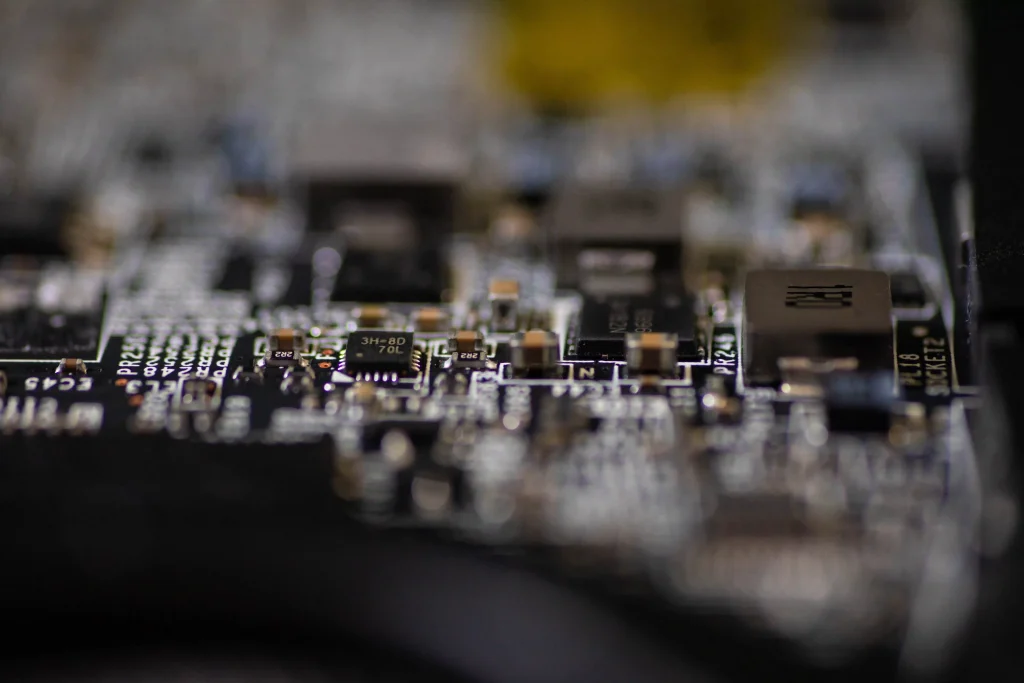
Gaming laptop repair starts with a number. The charger supplied with the Lenovo Legion in this article delivers 20 volts at 15 amps — 300 watts, more than plenty of desktop PCs pull from the wall. Yet the machine it powers arrived on the bench completely dead: no charging light, no reaction from the power button, nothing.
That contrast — enormous power on one side, total silence on the other — is gaming laptops in miniature. They don’t just fail more often than ordinary laptops; they fail differently: sustained heat, desktop-class power stages, and one small controller chip that every start-up depends on. This Legion’s story touches all three.
Why gaming laptops fail differently
Three things separate a gaming machine from an ordinary laptop on the bench.
- Sustained heat. An office laptop idles most of its life; a gaming laptop holds its CPU and GPU at full load for hours. This Legion’s cooling is serious — a heatsink that dominates the board, possibly liquid metal on the dies — but heat still ages whatever sits at its edges. Gaming laptop overheating is rarely a fault on its own; it’s the background condition that produces the faults. The same recipe — desktop-class silicon, heavy power delivery, an EC plus a separate keyboard chip — shows up under the badge on an MSI, Razer, Alienware or ROG board too; the plastics differ, the failure modes don’t.
- Dense power delivery. 300 watts has to be converted down to the voltages the silicon uses, so these boards carry more regulator phases and MOSFETs than a thin-and-light — every one of them something that can short.
- The EC/IO chip. The embedded controller reads the power button, runs the keyboard and charging light, and sequences the power rails at start-up. When it fails, the laptop isn’t slow or glitchy — it’s simply dead. And on gaming boards, replacing it is far harder than on anything else.
The Legion that wouldn’t turn on
The owner sent two different stories: his email said the laptop died after he tried to fit an M.2 SSD, while the note packed with it said the machine had been overheating and he didn’t know what was wrong. Both halves turned out to be useful evidence.
The fuse near the power input — a neat explanation, with a 15-amp supply behind it — tested fine, and the factory seal on the board was intact: nobody had been inside before.
Then the measurements, in the standard order. The main power rail was not shorted to ground — good news, because it meant this board could be saved. With the charger connected, the full 20 volts arrived on the main rail, and the battery itself held 17 volts. Power in, power stored, still no sign of life.
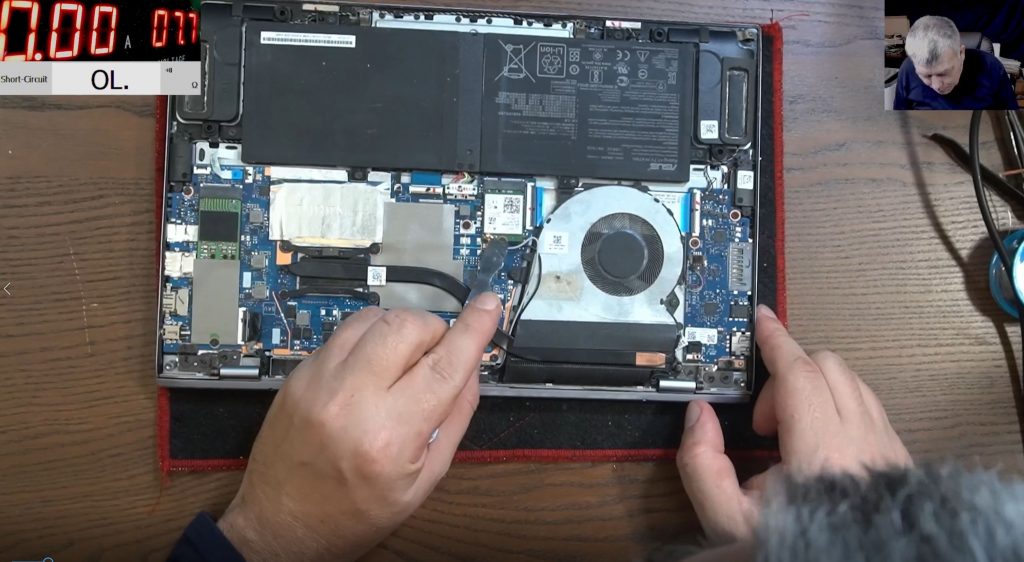
The reading that gave it away was current. Shut down, a board like this should draw perhaps 10–20 milliamps; this one was pulling 170 milliamps with the battery disconnected. That figure is a signature: a 3.3-volt standby supply shorted to ground draws roughly a hundred-and-something milliamps, and the component that most often shorts it is the EC/IO chip.
A thermal camera settled it. One hot spot glowed on the underside of the board, beneath the Wi-Fi card — exactly where the IO chip sits. The capacitors around the chip read 1.3 ohms to ground: a dead short. Feeding a low voltage into the rail, the chip alone pulled a full amp. Verdict: shorted embedded controller. A replacement was ordered from China for £20–£25, with a two-week wait.
Replacing the chip is the easy half
The physical swap is routine work with gaming-board complications. A connector sits immediately beside the chip, so it was masked off with Kapton tape. Hot air at 480 °C lifted the old chip cleanly, and the pads underneath were fine. Fitting the new one was fiddlier — a chip this small floats on molten solder and tries to skate away — so it went down in one take, then every pin was inspected under the microscope from both sides.
First power-up brought the best possible sign: the charging light came back. The 3.3-volt standby rail measured 3.2 volts and held, and the current draw was back to normal — the short was gone. One problem: the power button still did nothing. The new controller was blank — it needed firmware.
Programming the chip — why so much gaming laptop repair gets refused
On many ordinary laptops a fresh EC either programs itself or accepts firmware through the keyboard connector. Gaming laptops are the exception: because their keyboards need fast response, these boards add a separate keyboard-management chip between the keyboard connector and the EC, so the easy programming route is physically blocked.
That leaves soldering wires straight to the controller: 14 hair-fine wires from the programmer to the chip’s pins, about half an hour of microscope soldering, checked around ten times. It worked — partly. The programmer detected the chip and read back its ID, proving every wire was good. But the write failed with an error from address zero, right at the erase step.
Two explanations fit: the replacement chip was dead on arrival — batches from China routinely contain duds, according to a specialist who does nothing but program these controllers — or the board was holding a data line low. The remaining options are unattractive: desolder the chip and program it in a dedicated socket (exactly one listed on eBay, about £220, from Singapore), or fit a pre-programmed chip from that specialist at £20–£30.
The video ends there, deliberately unresolved, because that decision is the honest picture of this work. Customers sometimes push back at the quote — “the chip only costs £10” — not realising the £10 part is the cheapest piece of a job that’s almost entirely specialist microscope labour, quoted individually and in writing before anything starts. That’s how specialised this corner of gaming laptop repair has become — and why most shops quietly decline it.
What this means if your gaming laptop won’t turn on
- Completely dead, no charging light. That points at the standby rail or the EC — the Legion’s exact fault. No software trick or new charger will wake a chip shorted to ground.
- Shuts down or restarts under load. That’s the thermal and power-delivery side of the same story. Persistent overheating is worth acting on before it becomes a dead board.
- Tell the whole history. This customer gave two accounts — an SSD upgrade and a spell of overheating — and both were useful evidence.
- Don’t buy parts on spec. A new battery or charger changes nothing when the board is drawing 170 milliamps into a shorted controller.
- Beyond checking the charger, this isn’t a home job. Everything above was found with a multimeter, a bench power supply and a thermal camera.
If it turns out to be the board
A dead gaming laptop is usually a repair, not a write-off — and repair is the economical route, because a replacement board is £300–£600+ for the part alone and often simply unavailable. The most common motherboard faults come in at £90–£180, complex jobs like this EC replacement are quoted individually, and you get a written quote before any work starts. Diagnosis is free when you go ahead with the repair — the diagnostic time is absorbed into the job — and if you decline the quote, a small charge covers the inspection time. If a board genuinely can’t be saved, no fix, no fee: you pay nothing for the work, just return postage. Every repair carries a 90-day warranty and is done personally by Sorin, who teaches this diagnosis to nearly half a million subscribers on the Electronics Repair School channel — the video above is his bench. Booking is 100% online, with UK-wide mail-in from the Grays, Essex workshop.
See how gaming laptop repair works →
Post your gaming laptop in from anywhere in the UK →
Related: what motherboard repair costs in the UK.
Gaming laptop faults — common questions
Why won’t my gaming laptop turn on when the charger is fine?
Because charging and starting both depend on the board’s standby circuit. On this Legion the charger delivered its full 20 volts and the battery held 17 — yet the machine was dead, because the shorted EC/IO chip was dragging the 3.3-volt standby rail down. A healthy charger with no charging light points the same way on most gaming laptops.
Can overheating kill a gaming laptop motherboard?
Over time, yes. Sustained heat ages solder joints, capacitors and everything around the hottest parts of the board. This Legion had a history of overheating before it died — not proof of the cause, but exactly the background that turns into board faults.
What is the EC or IO chip?
The embedded controller — the small chip that reads the power button, runs the keyboard and charging light, and sequences the power rails at start-up. When it shorts, the laptop is completely dead; when it’s replaced, it must also be programmed with the right firmware before the machine will start.
Why do many repair shops refuse gaming laptop motherboard repairs?
Mostly the programming step. Gaming boards put a keyboard-management chip between the keyboard connector and the EC, so a new controller can’t be programmed the easy way — it takes soldered wires or a dedicated socket, and sometimes a pre-programmed chip from a specialist. It’s slow, skilled work that many shops choose not to take on.
Is it worth repairing a gaming laptop motherboard rather than replacing it?
Usually, yes. A replacement board is £300–£600+ for the part alone and often unavailable for older or premium models, while the most common motherboard faults repair at £90–£180. Complex jobs like an EC replacement are quoted individually, in writing, before any work starts.