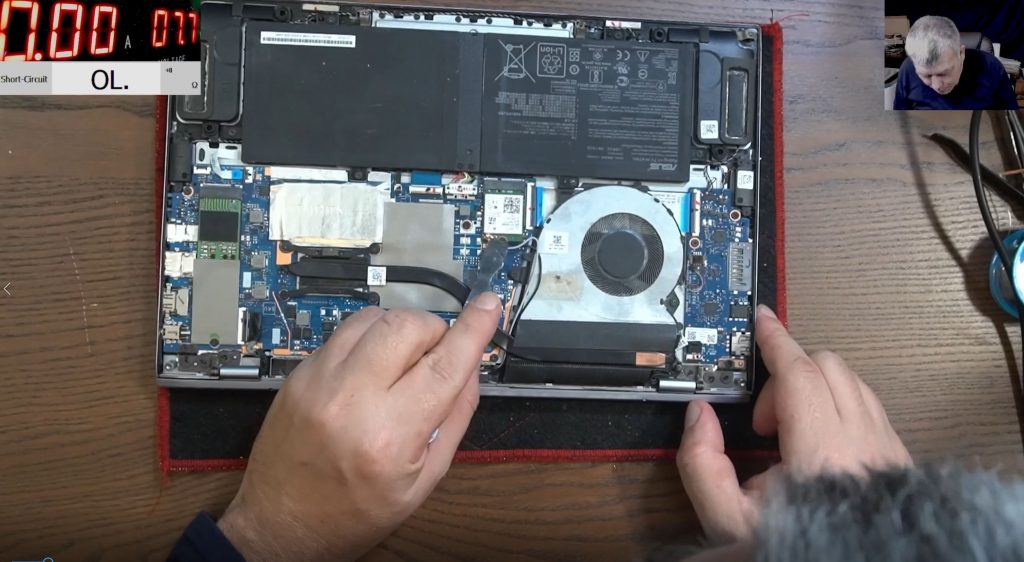
If your laptop battery is dead, not charging, or showing 0% despite being plugged in—don’t rush to replace it. In many cases, the battery isn’t faulty—it’s just locked. Using a specialized battery analyzer and repair tool, you can unlock, reset, and even bring a “dead” battery back to life.
Let’s explore this amazing battery repair device that can revive old laptop batteries and even handle DJI batteries.
🖥️ The Problem: Battery Locked, Not Charging
Many laptops face the issue where the battery shows:
-
0% available (plugged in, not charging) -
Shuts down instantly when unplugged
-
Even leaving the battery connected for days doesn’t charge it
Often, the issue isn’t the battery cells, but the battery management chip, which locks itself due to:
-
Over-discharge (e.g. battery left unused for a long time)
-
Extreme temperatures (too hot or cold)
-
Safety triggers from the manufacturer
🔍 The Solution: Battery Analyzer & Reset Tool
This all-in-one repair tool allows you to:
-
Connect to the battery’s internal chip
-
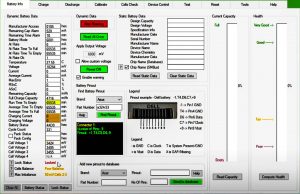
Read real-time data like voltage, charge capacity, and health
-
Unlock “locked” batteries
-
Reset battery cycle counts (⚠️ be ethical!)
-
Generate official battery reports (PDF format)
-
Replace and reprogram cells safely
💡 Important: A dead battery ≠ faulty battery. You might just need to unlock it.
🛠️ Step-by-Step: How to Use the Battery Analyzer Tool
1. Connect the Battery
-
Remove the battery from the laptop
-
Use the pinout guide in the software to connect the wires correctly:
-
Pin 1: + (Red) -
Pin 4: Ground (GND) -
Pin 6: Data (Green) -
Pin 7: Clock -
Pin 9: GND
-
2. Launch the Software
-
Select your laptop model (e.g., ASUS)
-
Identify the battery model (e.g., A32-K53)
-
The tool shows detailed info: voltage, charging status, chip ID, etc.
3. Unlock the Battery
-
Navigate to the Reset menu
-
Unseal the chip
-
Clear chip errors
-
Save EEPROM data if needed
-
Re-seal the chip after reset
4. Verify Unlock
-
Check
Lock Status→ should now show Unlocked -
Battery should now charge and discharge normally
5. (Optional) Modify Battery Info
-
Unseal chip again
-
You can modify:
-
Cycle count
-
Manufacture date
-
⚠️ Use responsibly. Avoid misleading others by falsifying data.
📈 Features of the Tool
| Feature | Description |
|---|---|
| Battery Unlock | Reset locked batteries to working state |
| Data Modification | Change cycle count or manufacture date |
| Battery Health Analysis | Read cell voltages, charge capacity, etc. |
| Cell Replacement Support | Repair batteries by replacing faulty cells |
| PDF Report Generation | Create official battery test documents |
| Supports DJI Batteries | Optional DJI license for drone batteries |
✅ Real-World Example
Sorin demonstrated reviving a locked 11-year-old ASUS laptop battery:
-
Original battery, never opened
-
90% health (confirmed by the chip)
-
Was not charging due to lock
-
After reset, battery now charges and powers the laptop
-
Estimated time to full charge shown: ~2 hours 50 minutes
🧠 “I trust this 11-year-old original battery more than a cheap new replacement.”
💬 Final Thoughts
This tool is an absolute game-changer for:
-
Laptop repair technicians
-
Students and DIYers
-
People in countries where batteries are expensive or hard to get
Don’t toss your laptop battery too soon—try fixing it first!
🙏 Credits & Ethics
-
The tool supports ~85% of market laptop batteries.
-
Use responsibly—don’t fake battery health or resale original batteries dishonestly.
-
Sorin does not accept payment for reviews—this was shared for the community.
You can buy is from here: https://www.laptopu.ro/ use electronicsrepairschool coupon code UK Ebay store: https://www.ebay.co.uk/usr/sorinelect… US Ebay store: https://www.ebay.com/usr/ers_usa WebSite: https://sorinelectronics.co.uk/ Patreon support:  / electronicsrepairschool YouTube Members:
  / @electronicsrepairschool Forum: https://forum.sorinelectronics.com/ Discord: https://sorinelectronics.co.uk/discord My tools: https://www.amazon.co.uk/shop/electro… PayPal me: https://www.paypal.com/paypalme/Elect…